Guides
How to choose a CRM for an immigration or study abroad agency: 12 criteria for 2026
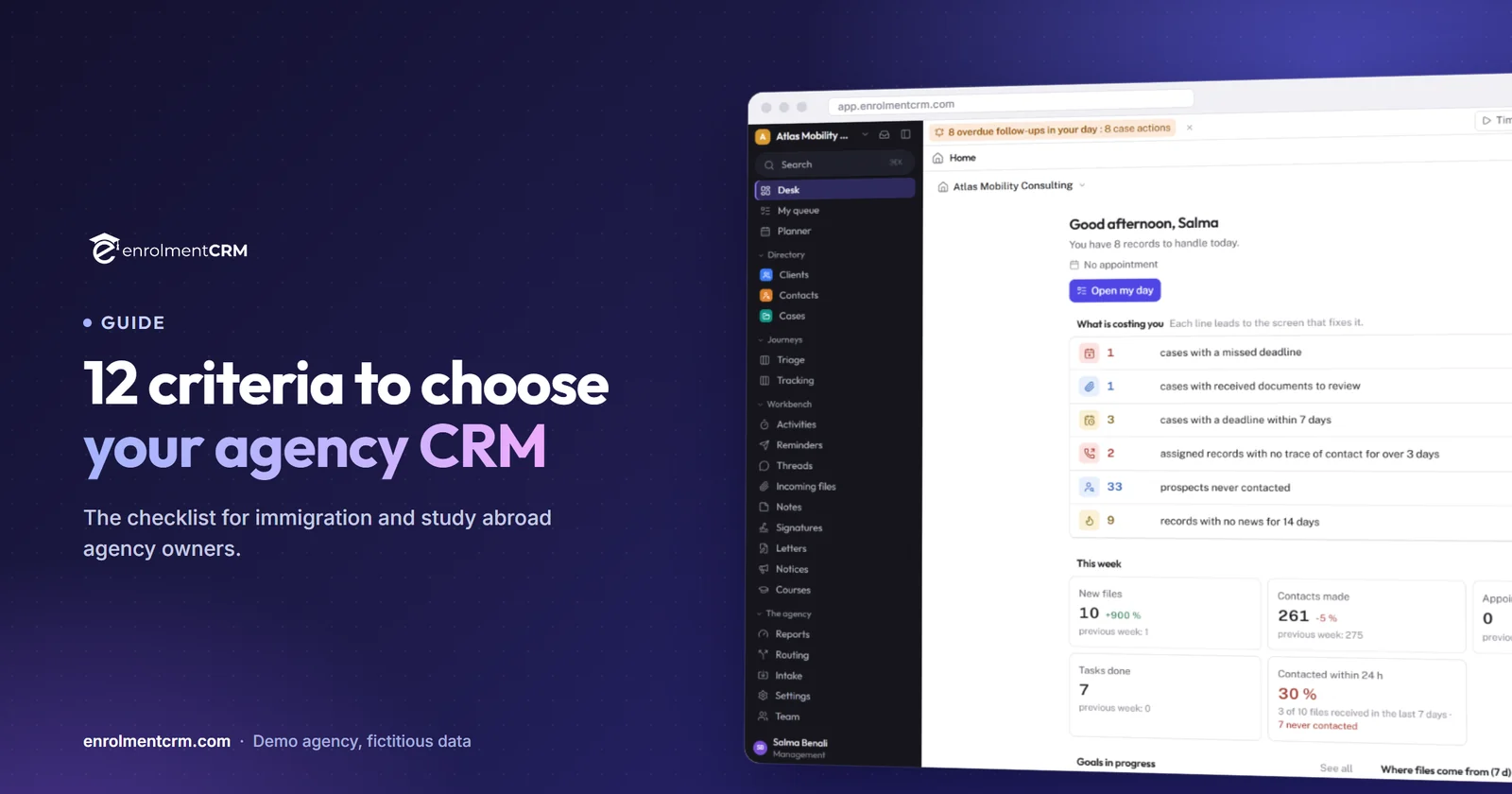
Choosing a CRM is choosing how your agency will work for the next five years. Feature lists all look alike; what differs is whether the tool follows a file from the first Facebook lead to the government decision, and whether your team will actually use it. These twelve criteria are the ones to check, in the order a file lives them.
 By the enrolmentCRM team
Published
6 min read
Contents
- Before the criteria: judge on a real file
- 1. Lead capture
- 2. Routing and workload
- 3. The counsellor’s day
- 4. One record, WhatsApp included
- 5. Ready-made procedures
- 6. Documents and the client space
- 7. Official forms
- 8. Letters and e-signature
- 9. Fees, invoices and client funds
- 10. Commissions
- 11. Team oversight
- 12. Data, security and the way out
- The checklist, ready to print
- Three things not to forget
- How to run the trial in one week
- The bottom line
Before the criteria: judge on a real file
Every pricing page looks the same, and every demo runs smoothly. What separates two CRMs is the moment a real file from your agency goes through them: a Facebook lead from last night, a client who already sent half their documents on WhatsApp, a passport expiring in four months, a counsellor who is off next week.
The twelve criteria below follow that file in the order it lives them, from first contact to the decision. For each one: what to check, and the question to ask in a demo.
1. Lead capture
Your clients arrive through Facebook and Instagram ads, the website, WhatsApp, fairs and referrals. The CRM must receive them without copy-paste, with their source.
- Do Meta lead forms arrive on their own, with the campaign, ad set and ad?
- Are duplicates detected on creation?
- Can you import what you already have (Excel, Airtable) on day one?
Ask: “Show me a lead from a campaign, from arrival to its record.”
2. Routing and workload
A lead that waits an hour is a lead that shops around. Routing must be automatic and visible.
- Do rules per campaign send each lead to one counsellor, or to several in turn?
- Can you see each counsellor’s workload when assigning?
- Are leads with no owner flagged?
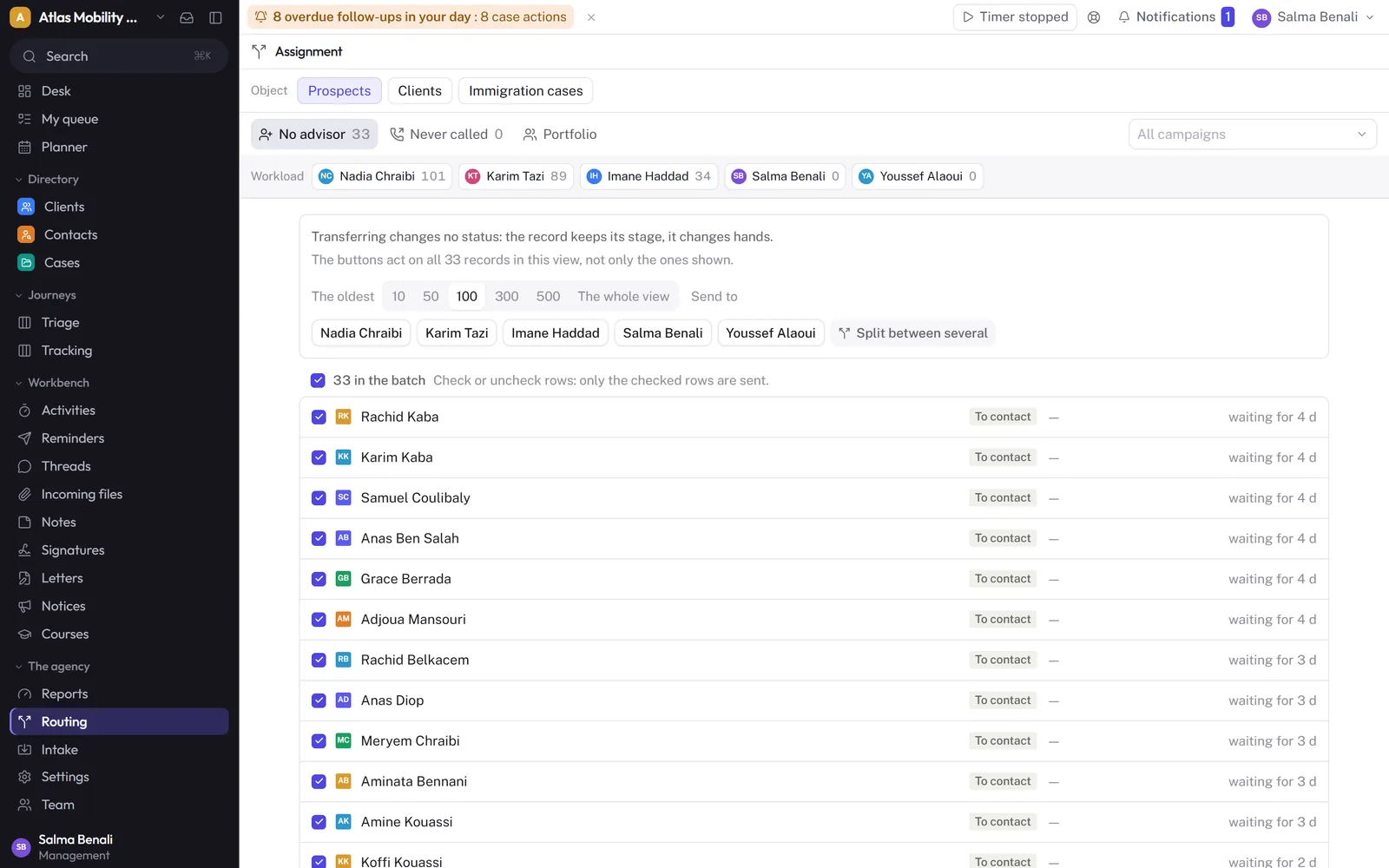
Ask: “What happens when a counsellor goes on leave?”
3. The counsellor’s day
The best CRM is the one counsellors open in the morning. They need a daily queue: promised callbacks, follow-ups, tasks, overdue items first.
- Does each counsellor have their own list, sorted by urgency?
- Can management open a team member’s queue?
Ask: “Where does my counsellor see what they promised to do today?”
4. One record, WhatsApp included
The prospect becomes a client, the client becomes a case file: one record from start to finish, with the history of calls, notes and WhatsApp conversations.
Ask: “Where do I find the WhatsApp conversation from three weeks ago?”
5. Ready-made procedures
This is the criterion that most separates a specialist CRM from a general one. A visitor visa, a study permit with a CAQ, Express Entry, sponsorship, citizenship, a Studies in France file: each procedure has its stages, documents and timelines. Are they provided, and kept up to date by the vendor?
Ask: “Open an empty Express Entry file: what is already there?”
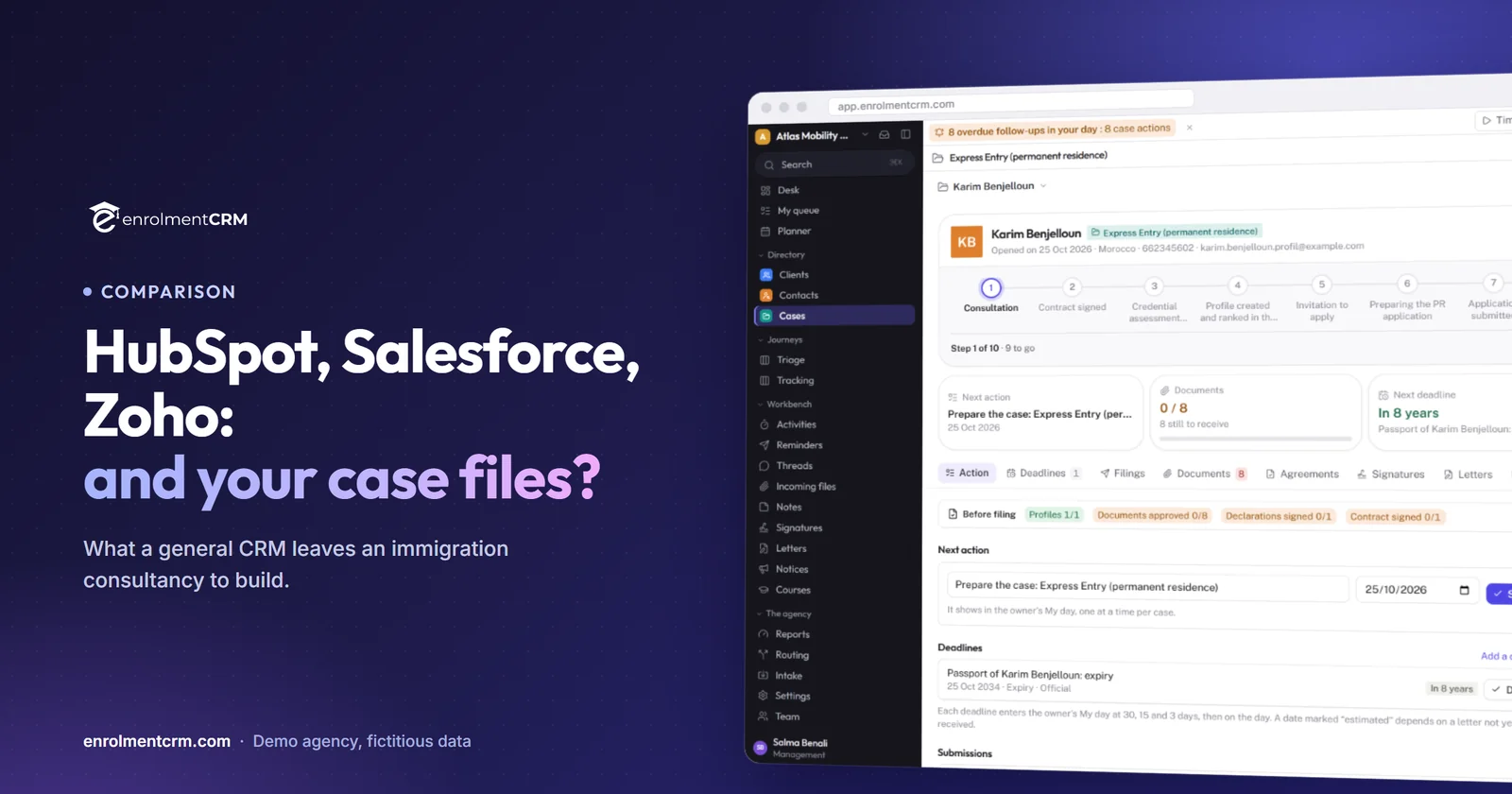
For the detail of what you would have to build elsewhere: HubSpot, Salesforce or Zoho for immigration consultants.
6. Documents and the client space
Documents make the file, and they come from everywhere. Clients should be able to upload them themselves, from their phone, in a space where they also see the stage of their file, in their language.
- Is the document list specific to the procedure?
- Does each document have a status (requested, received, approved)?
- Is the client space available in English and French?
Ask: “Send me the client space link, I will open it on my phone.”
7. Official forms
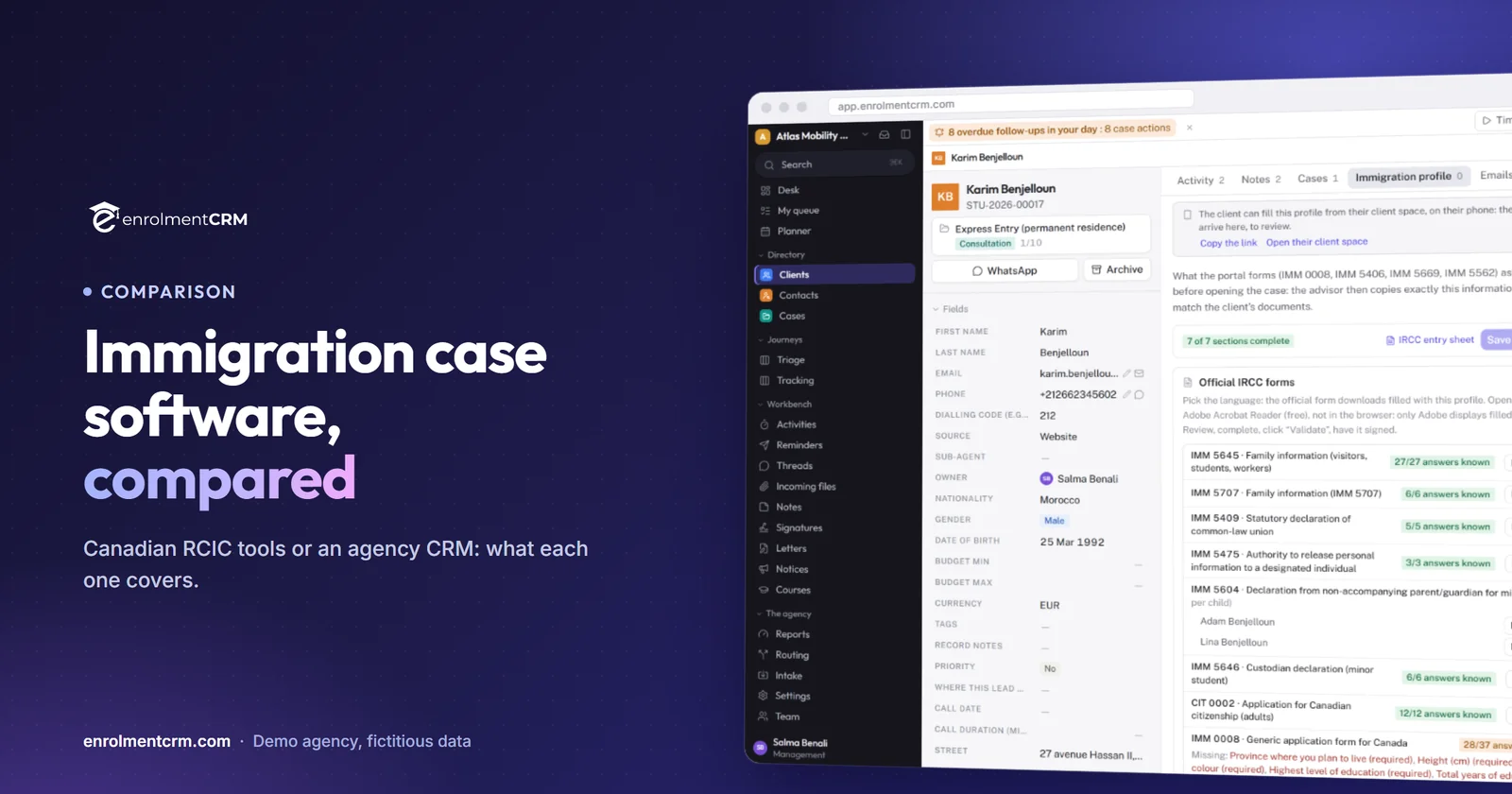
For Canada, this is often the longest part of a file. A CRM that pre-fills IRCC forms from a profile filled in by the client saves hours, provided the counsellor reviews and validates.
Ask: “Which forms, in which languages, and who validates before submission?”
To compare the Canadian tools: immigration case management software.
8. Letters and e-signature
Cover letter, letter of explanation, invitation, employment letter, financial support, service agreement: templates filled with the file’s data, and built-in e-signature with a proof page, save you two or three extra tools.
Ask: “Have a client sign this agreement, and show me the proof.”
9. Fees, invoices and client funds
A file’s money follows its stages: one instalment when it opens, another at submission, government fees on their own lines, sometimes a refund after a refusal.
- Is the payment schedule defined per procedure?
- Do invoices carry taxes, and can the client pay online?
- Is money held for the client (government fees, advances) tracked separately from what the agency has earned?
Ask: “A client is refused: what happens to their schedule?”
10. Commissions
Partner institution commissions, counsellor commissions, sub-agent shares: an agency CRM should calculate them, not just store them, and keep amounts with management.
Ask: “Where does a counsellor see their commission, and who approves it?”
11. Team oversight
The owner should see, without asking for a report, what is blocked and what everyone does: overdue tasks, leads with no owner, files without movement, calls, notes and conversations per counsellor, time spent per file, targets.
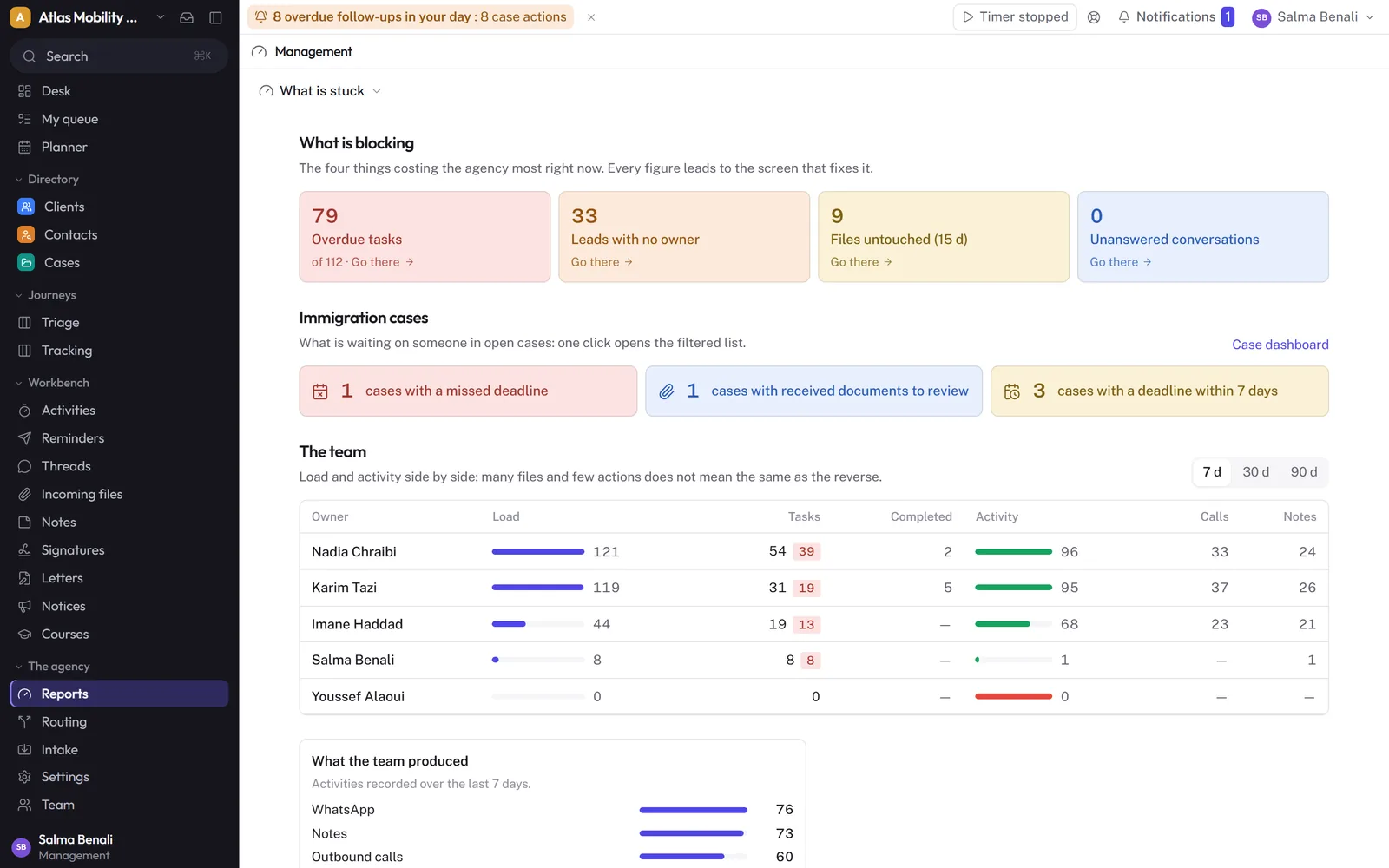
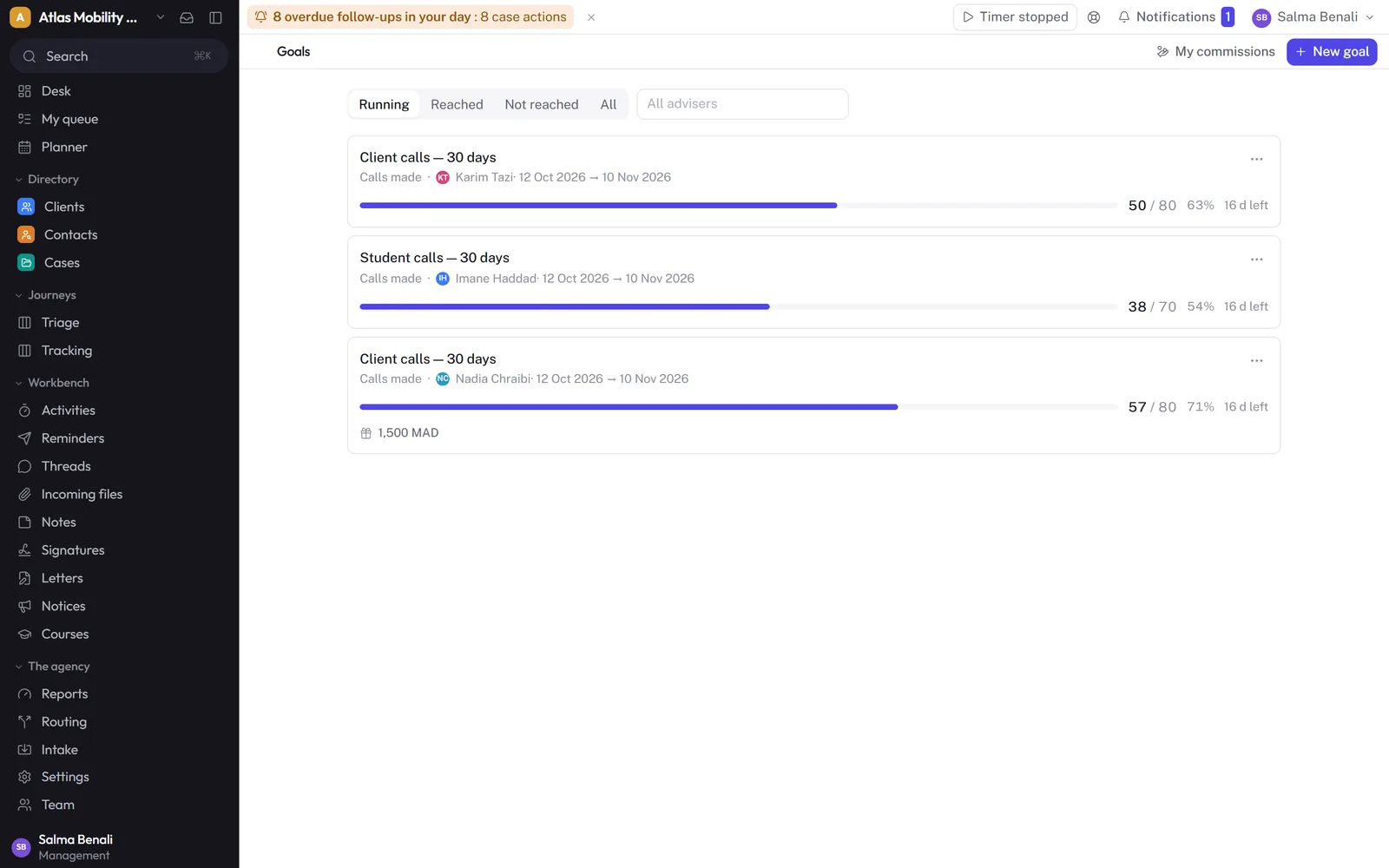
Ask: “How many calls did each counsellor make this week?”
12. Data, security and the way out
This is the criterion people look at last and regret first.
- Where does your data live, and is it separate from other agencies’ data?
- Who sees what: a counsellor their portfolio, a sub-agent only their clients, management everything?
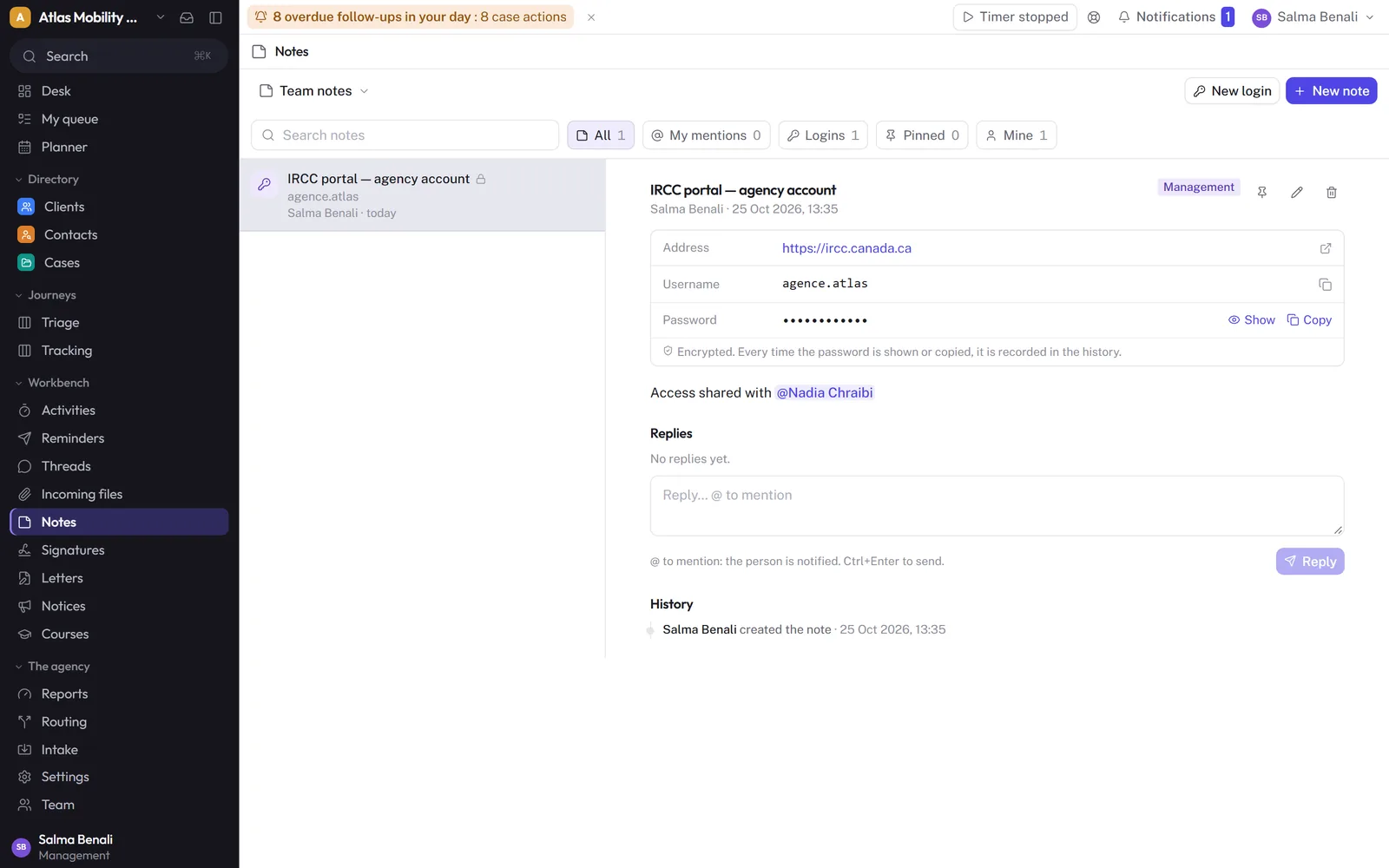
- The agency’s logins (IRCC portal, Meta account): are they stored encrypted, with a trace of each view, rather than in a spreadsheet?
- How do you get everything back the day you leave?
In enrolmentCRM, each agency has its own database, hosted in Europe, exportable with no conditions; shared logins live in team notes, encrypted, and every password view is logged.
The checklist, ready to print
| Criterion | What to check | Suggested weight |
|---|---|---|
| 1. Lead capture | Native Meta import, duplicates, Excel or Airtable import | High |
| 2. Routing | Rules per campaign, visible workload | High |
| 3. Counsellor’s day | Daily queue, overdue first | High |
| 4. One record | History, WhatsApp attached | Medium |
| 5. Ready-made procedures | Stages, documents, timelines, updates | High |
| 6. Client space | Phone uploads, two languages | High |
| 7. Official forms | Pre-filling, validation | Depends on your destinations |
| 8. Letters and signature | Templates, built-in signature, proof | Medium |
| 9. Fees | Schedule, taxes, payment, client funds | Medium |
| 10. Commissions | Schools, counsellors, sub-agents | Depends on your model |
| 11. Oversight | What is blocked, activity, targets | High |
| 12. Data | Separation, permissions, vault, export | Deal-breaker |
Three things not to forget
The full cost. Compare for your real team: price per seat or per module, required modules, onboarding fees, annual commitment, third-party tools to add (e-signature, forms, client portal).
Language. If your team or clients work in French, check the interface, the client space and the letters, not just the home page.
Getting started. How many days before the first real file? Who does the import? What happens during the switch-over?
How to run the trial in one week
- Day 1: import your prospects and connect one Meta campaign.
- Day 2: set the routing rules and have two counsellors work in it.
- Day 3: open three real files, on different procedures.
- Day 4: send the client space link to a client you trust.
- Day 5: issue an invoice, write a letter and send a document for signature.
- End of the week: open the oversight page, and see whether you know what the team did without having to ask.
The bottom line
A good agency CRM is judged on a real file, from the first lead to the decision. The four criteria that separate tools the most are lead routing, ready-made procedures, the client space and team oversight; the twelfth, data, is a deal-breaker. enrolmentCRM was built around these twelve points for study and immigration agencies, in English and French: the best way to judge it is still to try it on your own files.
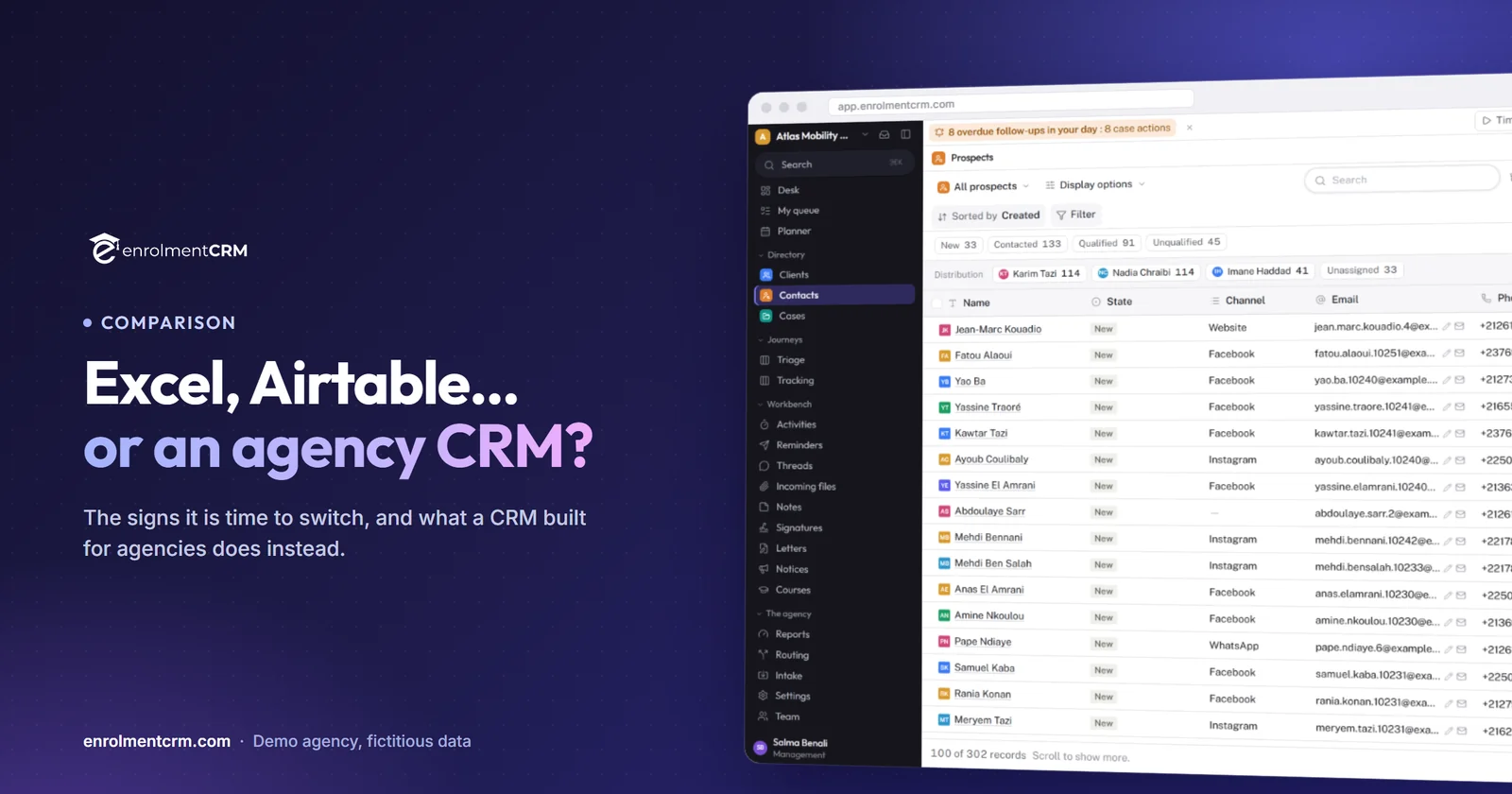
The other comparisons: Excel, Airtable or a CRM, HubSpot, Salesforce or Zoho, immigration case management software and study abroad agency CRMs.
Frequently asked questions
How long does it take to switch CRM?
For a small or mid-size agency, opening the workspace takes minutes and a guided migration from Excel or Airtable usually takes a few working days. Plan a week of use with the team before deciding.
What should a CRM for an immigration agency cost?
Compare the full cost for your team size: price per seat, required modules, onboarding fees and annual commitment. enrolmentCRM prices by module, so an agency only pays for what it uses; the current grid is on the pricing page.
Which features matter most for an immigration consultancy?
Automatic lead routing, procedures with their documents and deadlines, a client space for uploads, pre-filled official forms, built-in e-signature, fees per file and a clear view of what each advisor does.
Can I try enrolmentCRM before committing?
Yes. The trial lasts 14 days without a credit card, and a live demo on a demo agency can be booked online.